

Interactive Elements in Jupyter Notebooks
Jupyter Notebooks offer many options to customize the experience. Besides creating guiding information in markdown cells, images can be inegrated and the experience can be designed to be interactive. In the following we present a collection of tools, widgets and packages that can be used to design an interactive experience for students.
In the following we present a collection of tools, widgets and packages that can be used to design an interactive experience for students.
1) Voila
Link: https://voila.readthedocs.io/en/stable/
Voila can be used with other tools such as JupyterLite. With voila Jupyter Notebooks can be converted to interactive dashboards, which can be shared. Experiences can be designed by teachers, for example, for students to play with model parameters. Alternatively, students can create a dashboard themselves to present their results for group projects or assignments.
2) Jupyter Widgets
Link: https://ipywidgets.readthedocs.io/en/latest/examples/Using%20Interact.html
With ipywidgets.interact User Interface controls can be created with which code and data can be explored. For example, slides or tick box can be created.
3) GridBox
Link: https://ipywidgets.readthedocs.io/en/latest/examples/Layout%20Templates.html#Grid-layout
Layout templates can be used to position buttons or other interactive elements. This may be helpful, if not a full dashboard is needed, but some code interaction for exploration is useful.
4) Jupyter Dashboard
Link: https://jupyter-dashboards-layout.readthedocs.io/en/latest/
Jupyter Dashboard Layout Extension can create grid- or report like layouts. One advantage is that the information can be saved, so that the next person can still see the last inputs and up-to-date dashboard.
5) Jupyter Quiz
Link: https://github.com/jmshea/jupyterquiz
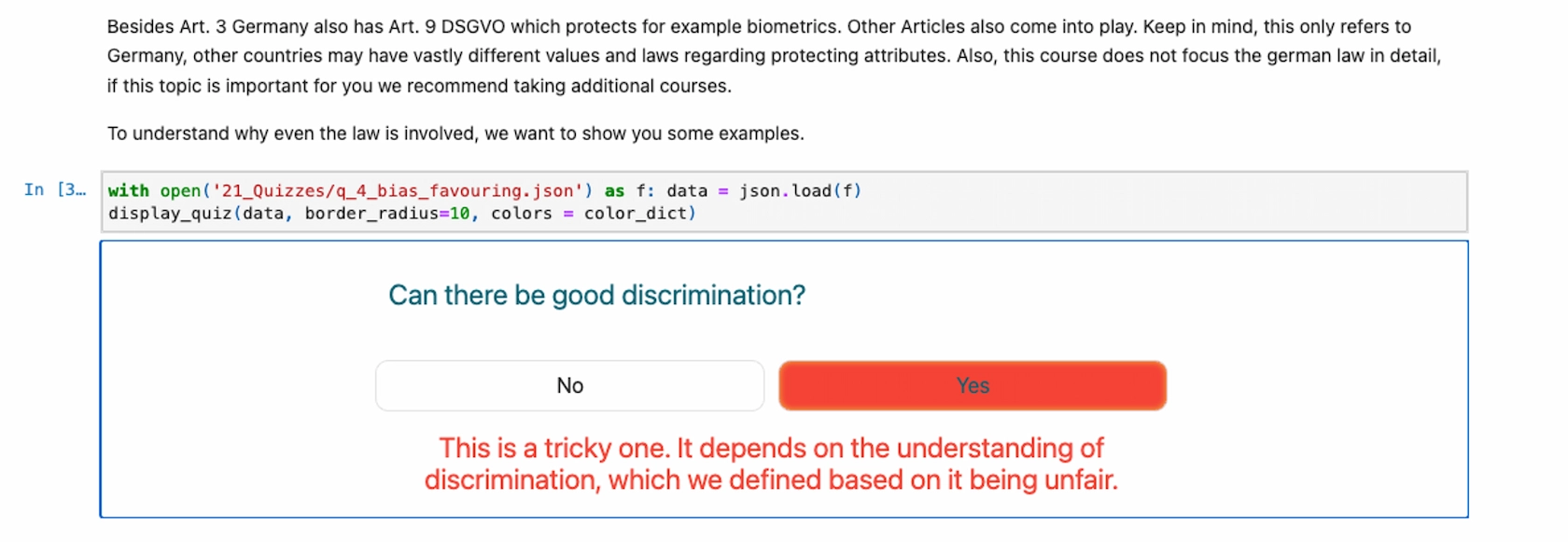
With Jupyter Quiz fun interactive self-assessment quizzes can be displayed in Jupyter Notebooks. Even when integrated in mybinder or nbnotebook these are functional.
For example, multiple and single choice question formats can be used:
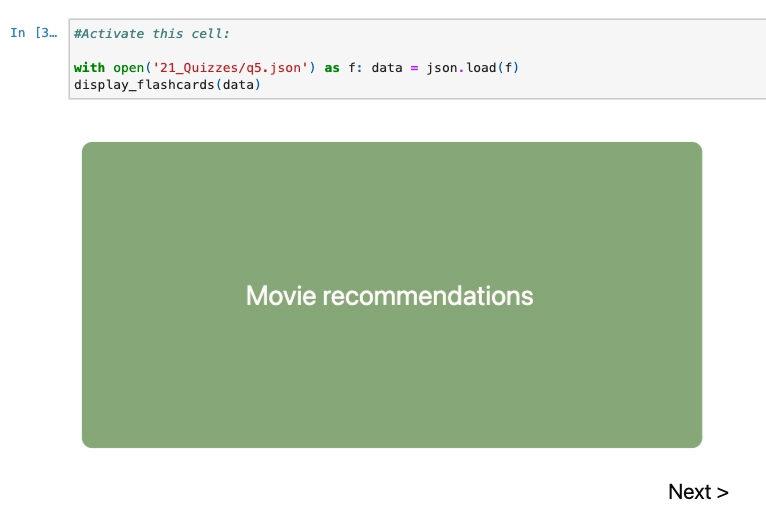
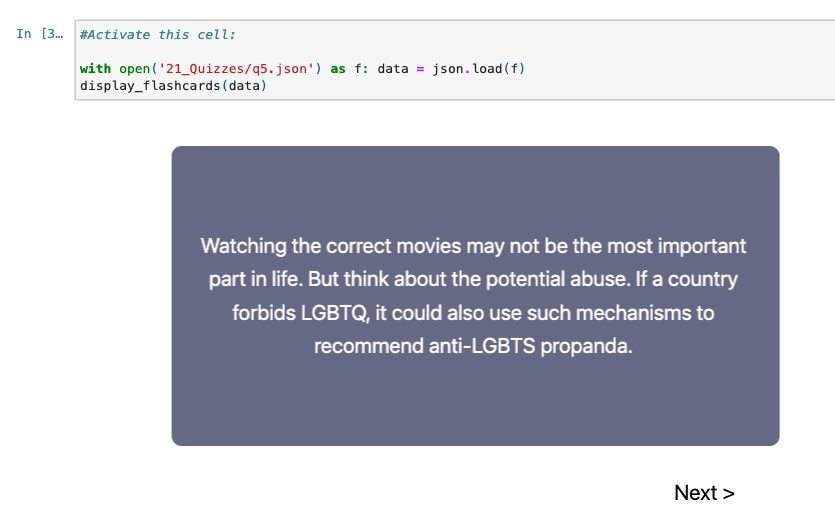
Other elements such as flashcards are also available: